
Plan a Harmonic DJ Set
Check BPM and key before a set and line up tracks whose keys are related.
For example
- Harmonic mixing
- Set prep
The key and BPM finder reads an audio file in your browser and returns four things: the tempo as a whole number of beats per minute between 80 and 160, the key as one of 24 major or minor keys, the seven notes of that key, and three closely related keys. Tempo comes from onset detection and autocorrelation across the track; the key comes from comparing the song's pitch-class profile with major and minor templates. When either reading is weak, the result is marked as low confidence instead of being passed off as certain.
One file in, one tempo, one key and its neighbors out.
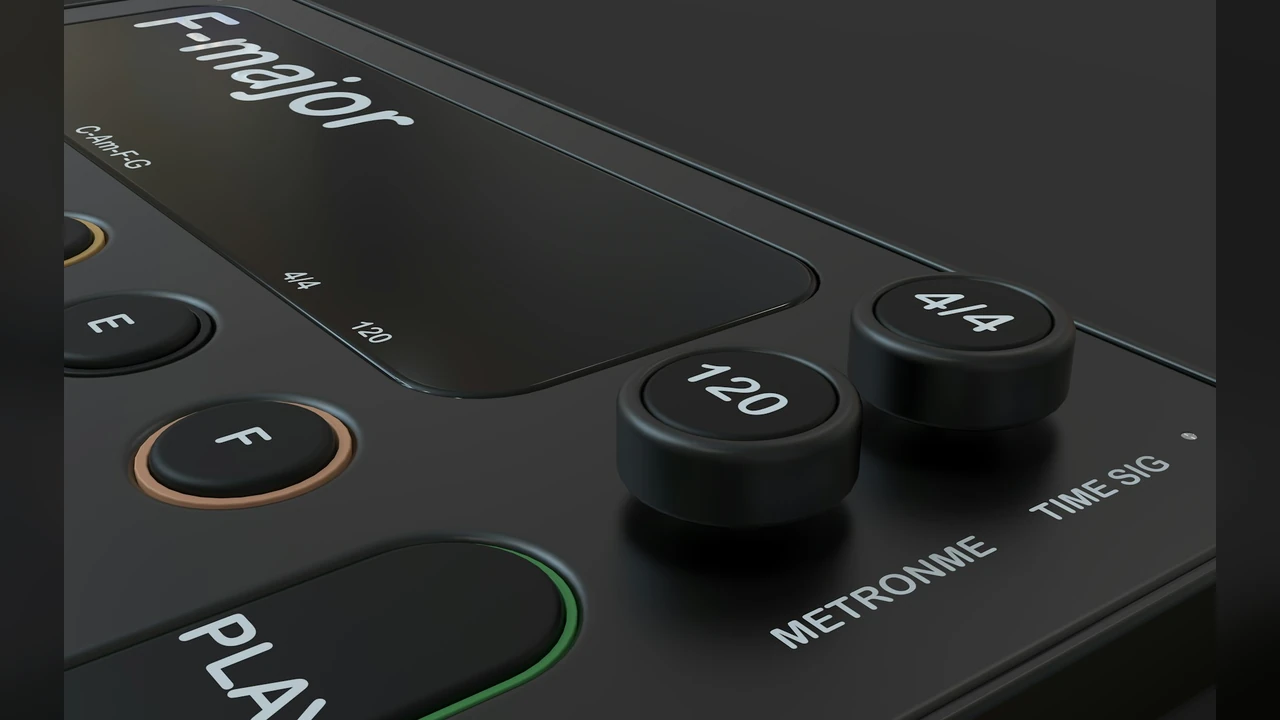
Tempo is rounded to a whole number and always reported between 80 and 160 BPM, so a ballad felt at 70 shows as 140 and a track at 170 shows as 85.
80-160 BPM
Every reading lands here
Whole Numbers
Rounded, not decimals
Onset Based
Reads the beat pattern
Numbers you can act on before you mix.
The file is decoded and analyzed in the browser and is never uploaded.
Major and minor for every root, with the scale notes listed.
Tempo as a whole number, always between 80 and 160, so half-time and double-time songs show the same BPM.
Three neighboring keys that tend to blend, ready for harmonic mixing.
A low-confidence label appears instead of a guess presented as fact.
MP3, WAV, OGG, FLAC, AAC, M4A and WebM, free with no credits.
Six jobs where the key and BPM finder saves guesswork.
Check BPM and key before a set and line up tracks whose keys are related.

Read a sample's key and tempo before dropping it into a project.

Find a song's key, see its scale notes, and decide whether to sing it higher or lower.

Check the scale notes in the results against what you hear. It's good ear-training practice.

Run two songs through the key and BPM finder. If the tempos are within 12% and the keys are no more than 5 semitones apart, the mashup maker will accept the pair.

Use the BPM to place cuts on the beat in an edit.
Files can be up to 80 MB and 5 minutes long on a computer, or 2 minutes on a phone.
Drop in a song or clip you have on your device.
Press the button and wait while the file is decoded and analyzed.
Note the BPM, key, scale notes and related keys, then check the next song.
How it reads songs, what the numbers mean, and how to pair tracks.
The key and BPM finder turns the audio into a profile of how much each of the 12 pitch classes is used, then compares it with major and minor key templates and picks the closest match. Tempo comes from finding note onsets and the most regular gap between them.
Tempo has octave ambiguity: a song felt at 70 BPM can also be counted at 140. The key and BPM finder always reports a tempo between 80 and 160, so a 70 BPM song shows as 140 and a 174 BPM song as 87. The mashup maker compares tempos at normal, half and double speed, so this does not block a pair.
Run both songs through the key and BPM finder, then divide the higher BPM by the lower one. If the result is 1.12 or less, the mashup maker accepts the pair, counting half and double time. For keys, a relative minor counts as its major. The vocal can be shifted up to 5 semitones, so a pair is only turned down when the keys are 6 semitones apart.
Three keys are closely related, and the key and BPM finder lists them under your result. For C major they are A minor, G major and F major; for A minor they are C major, E minor and D minor. Songs in these keys share most of their notes and tend to blend in a mix.
A low-confidence flag means the beat or the key was not clear enough, which happens with free tempo, heavy drums over little harmony, ambient tracks or short clips. Try a longer section or the full song, and treat the flagged value as a hint.
The key and BPM finder gives one key and one BPM for the whole file, so a song that changes key or tempo partway shows the dominant reading. To check a section, trim it into its own file first.
MP3, WAV, OGG, FLAC, AAC, M4A and WebM files up to 80 MB, up to 5 minutes long on a computer or 2 minutes on a phone. It reads files on your device only; YouTube or streaming links are not supported.
The key and BPM finder is free and uses no credits. Analysis happens inside your browser, so the audio is not uploaded or stored on a server.
Change a track once you know its key and tempo.

Upload an audio file to start the key and BPM finder